Spaces
Separate work, personal, and creative projects. Each space keeps its own stories, quests, and rhythm.
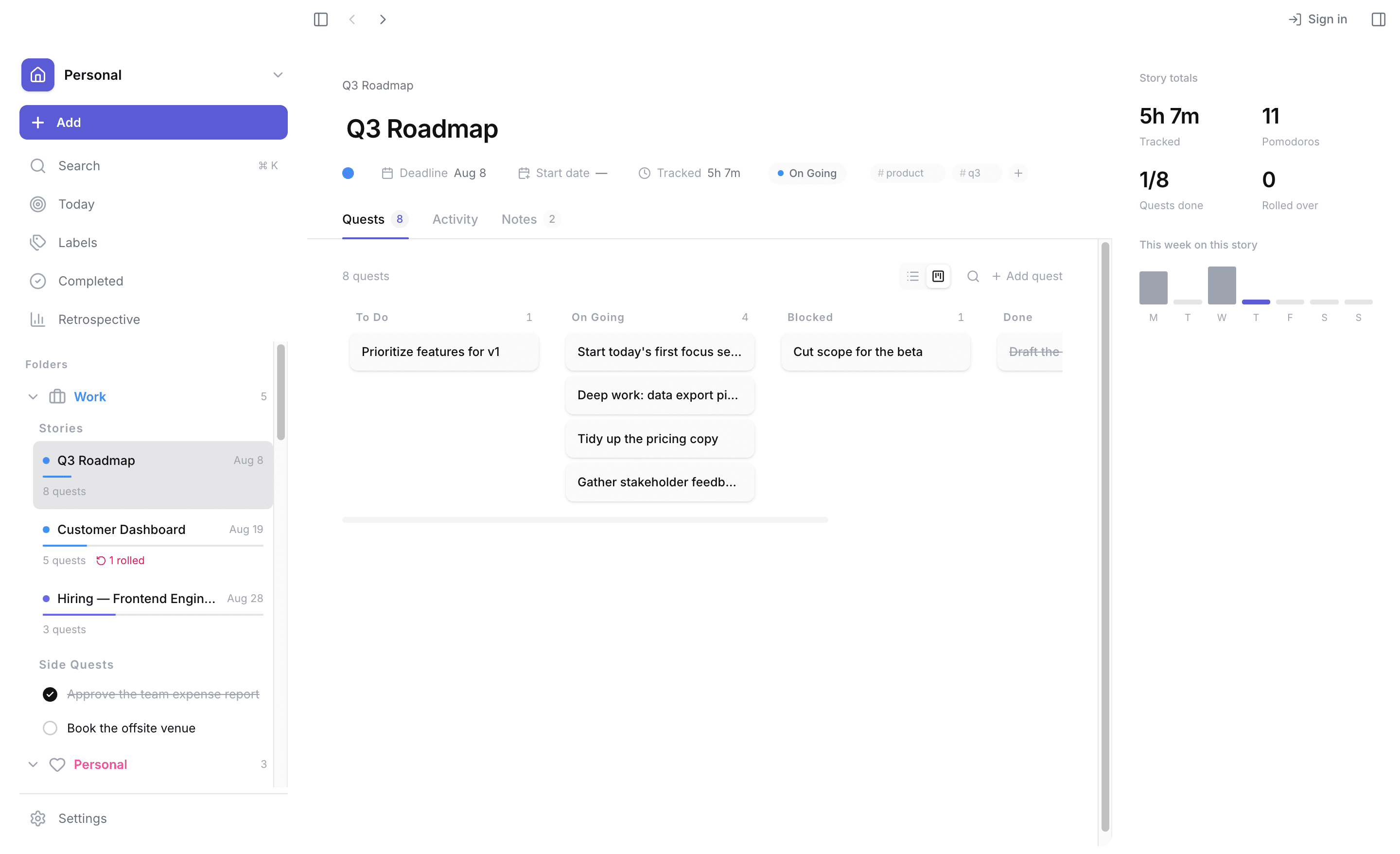
Plan the morning, focus through the afternoon, reflect at night. Timelin replaces scattered notes and timers with one calm, keyboard-first workspace.
Free to start · macOS 11+ · Apple Silicon
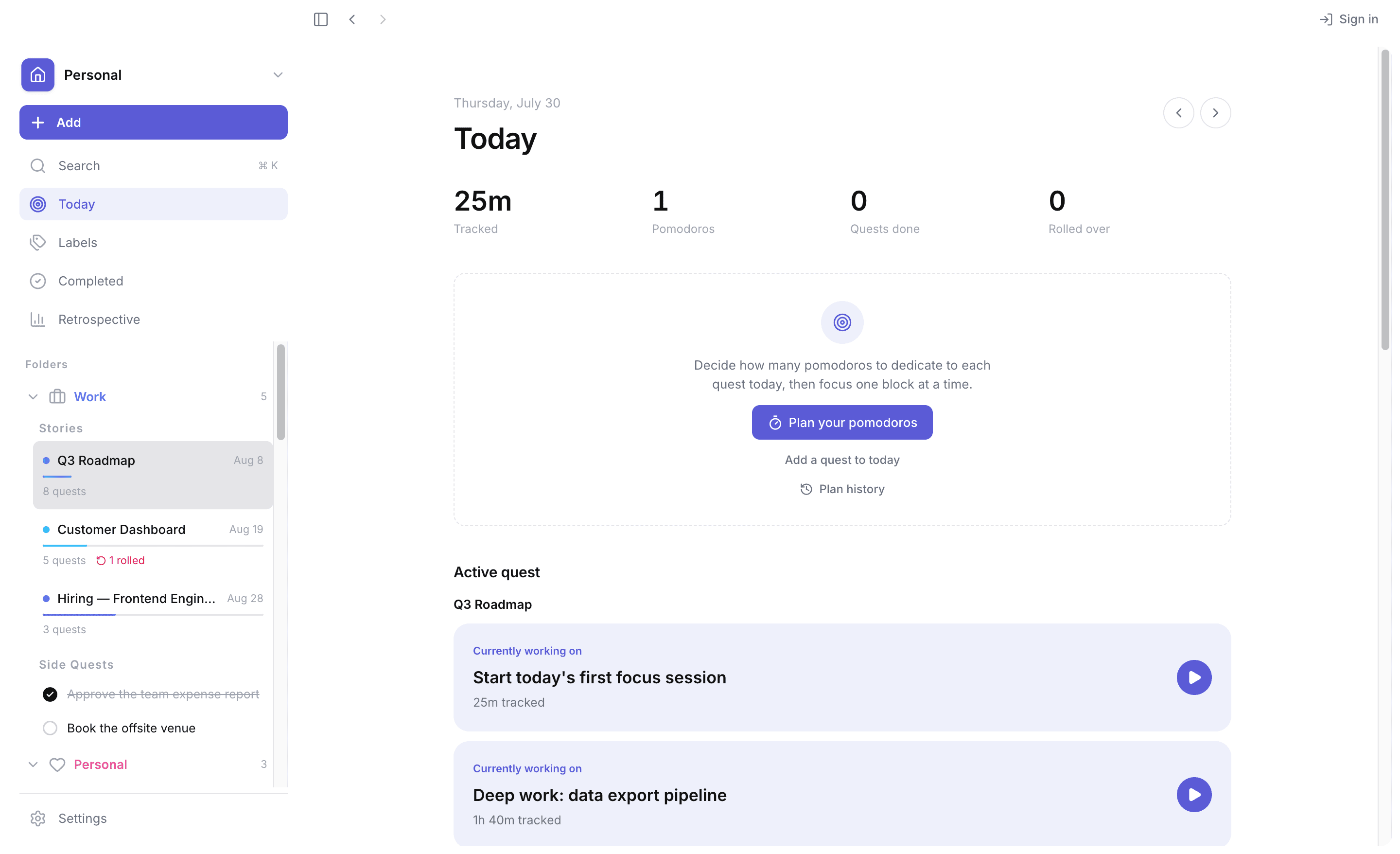
Daily planning
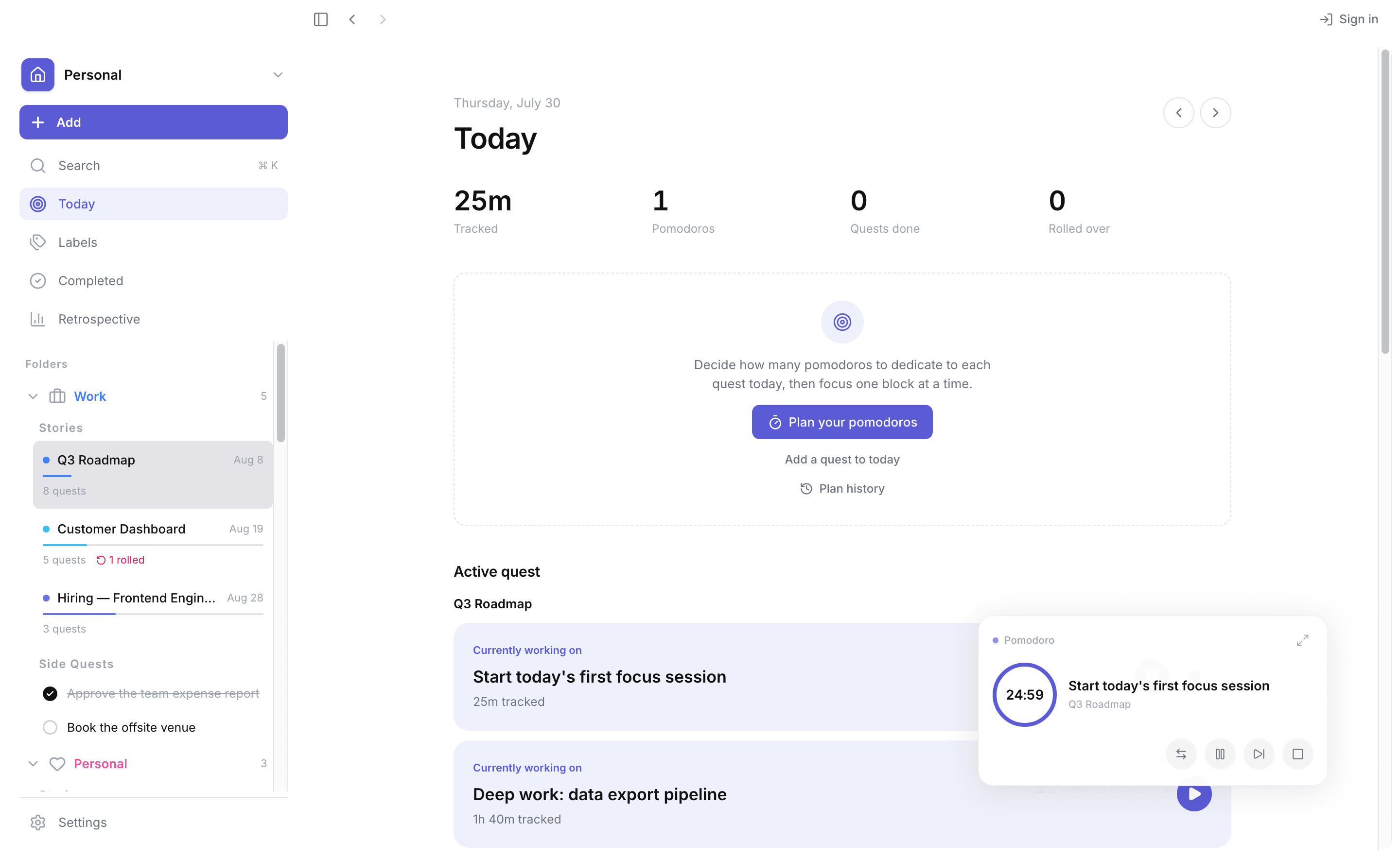
See what is planned, what rolled over, and how your focus time is tracking. Timelin surfaces the next right thing, so you spend less time rearranging and more time doing.
Explore the workflowStaying focused
Distractions happen. Instead of fighting them, capture them in two seconds and get back to deep work. Review and batch-process them when the time is right.
See the capture flowGoals into arcs
Most tools trap big goals in flat lists. Timelin breaks them into stories and quests — each with its own deadline, focus time, and status — so progress feels like a story unfolding.
Learn how Stories work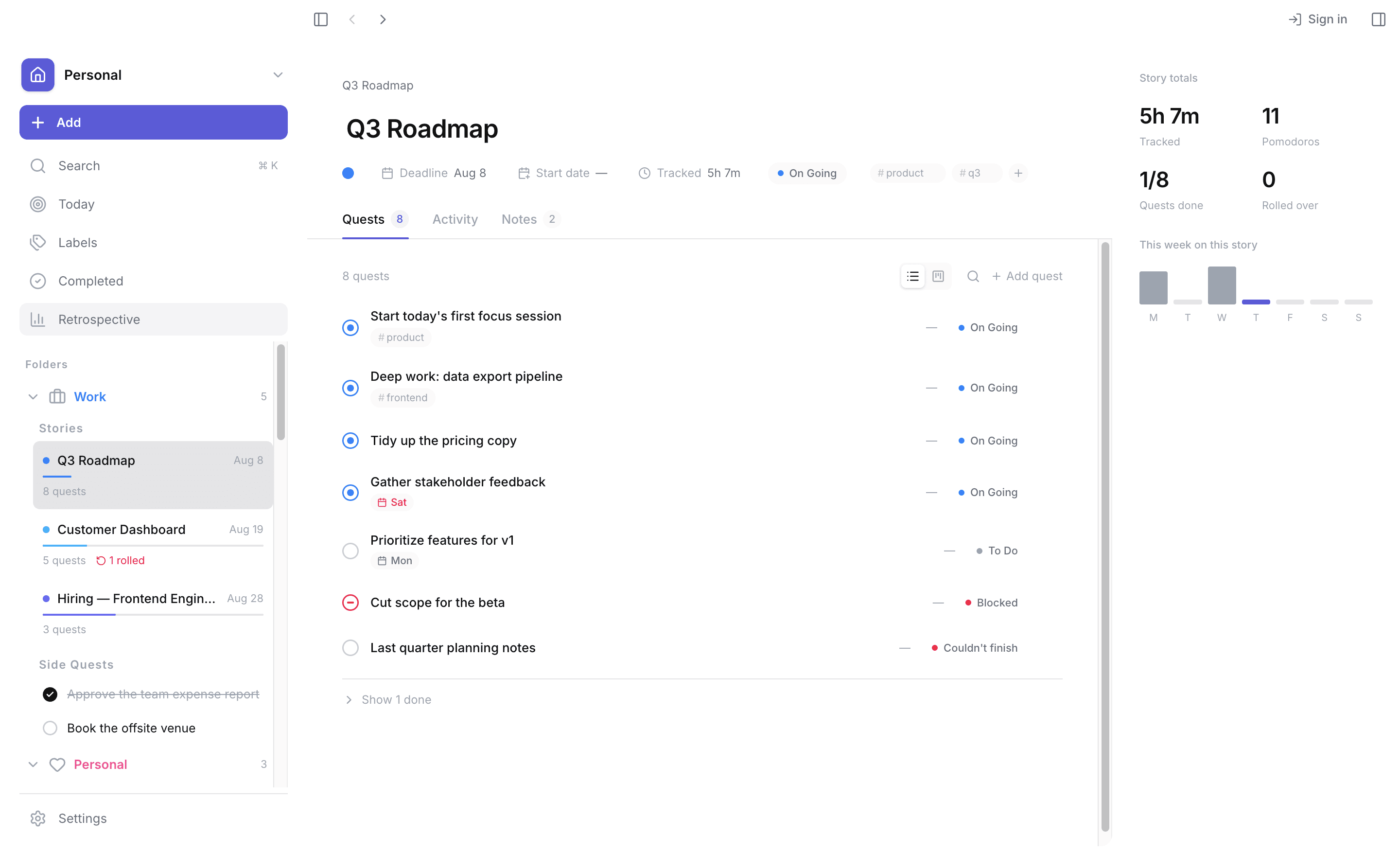
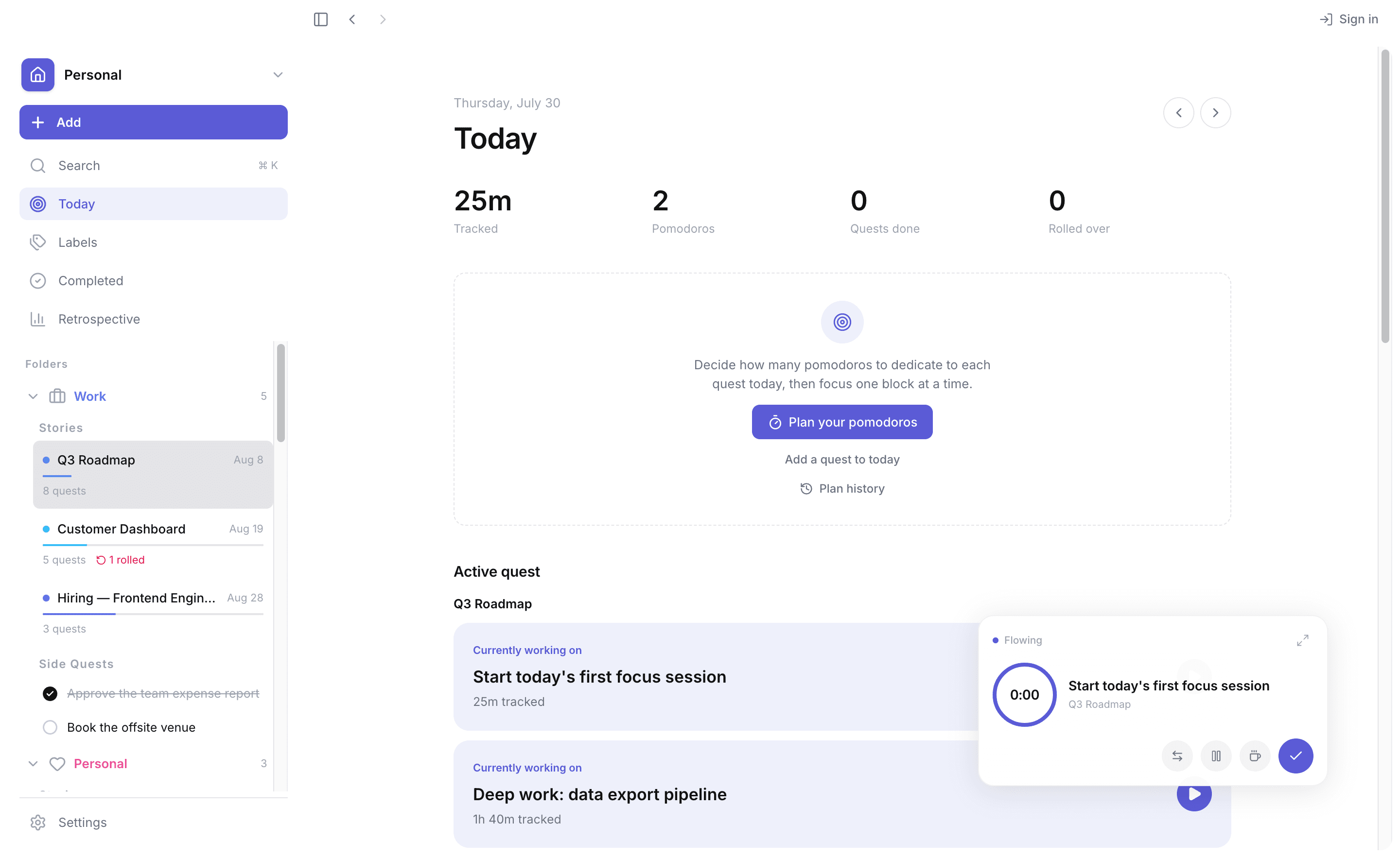
Always on top
Start a session and a small widget lifts out of the app, staying above whatever you work in — editor, browser, anything. It shows the quest, the time left, and the controls. Drag it wherever you like, or call it back with a shortcut.
The toolkit
Planning, focus, and reflection — gathered into one quiet place.
Separate work, personal, and creative projects. Each space keeps its own stories, quests, and rhythm.
Two techniques in one — Pomodoro countdowns and Flow count-ups — in an overlay that never gets buried behind another window.
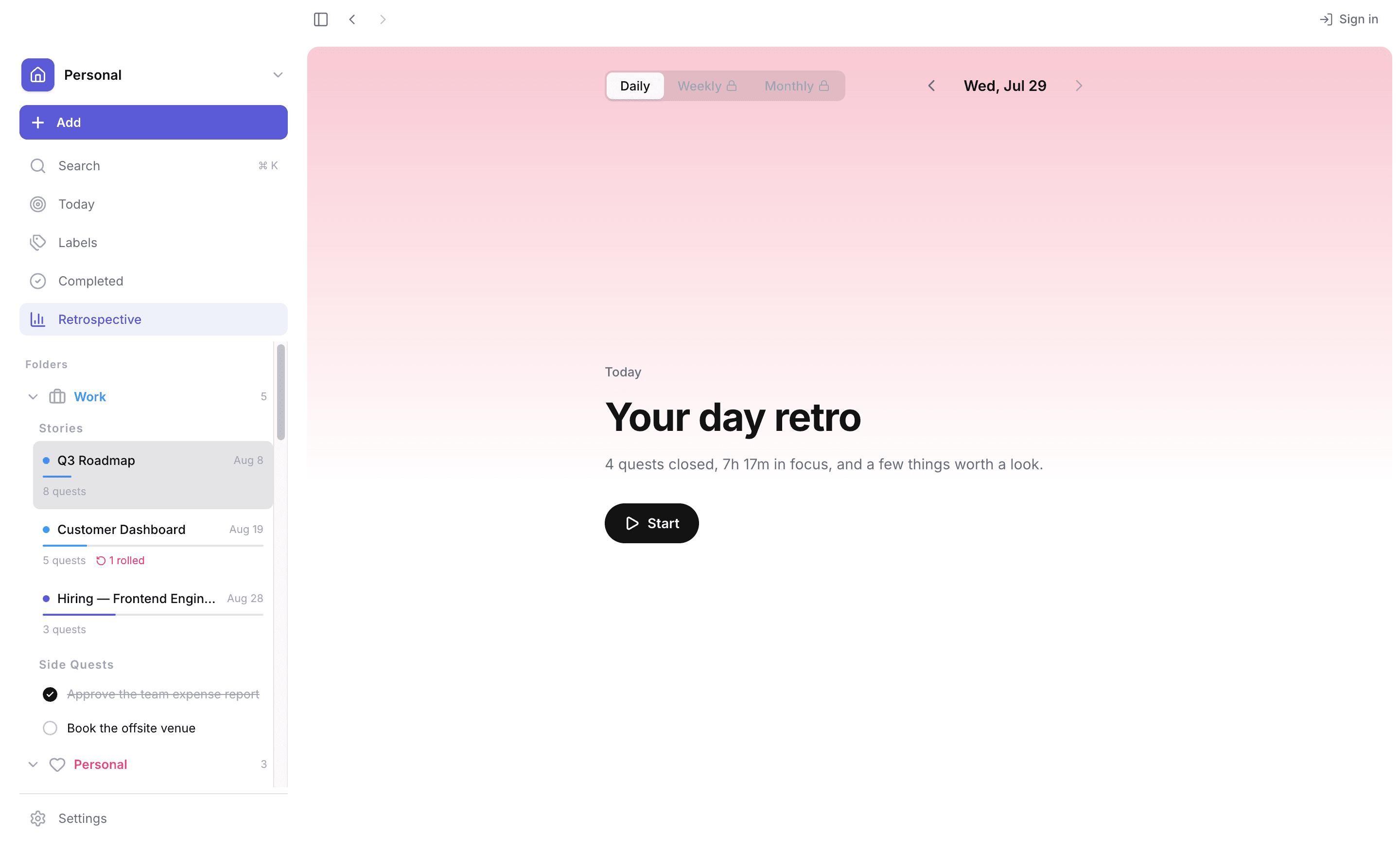
Reflect daily, weekly, or monthly — what moved, what stalled, and what to carry forward.
Unfinished tasks don't vanish — they return in Today with a rose marker, ready to reclaim.
Pricing
Everything you need for a calm day is free, and your data stays on your Mac. Pro lifts the limits and adds the longer views.
No account needed
Billed monthly or yearly
Cancel anytime.
Download Timelin for Mac and turn today into a story worth finishing.
Free to start · macOS 11+ · Apple Silicon